BenQ Launches CP05 Interactive Display With On-Device AI Processing
2026-09-29 · via invidis
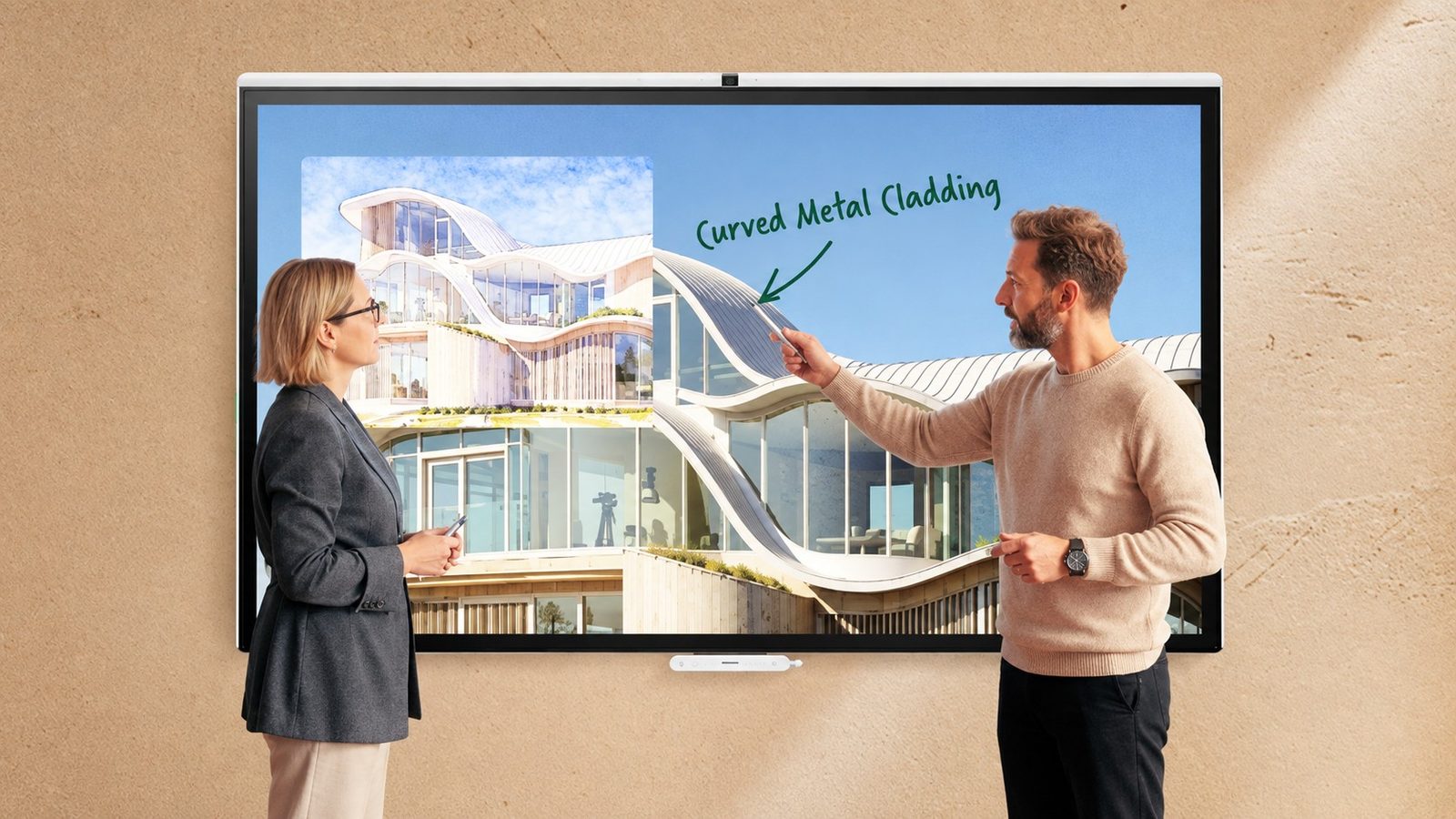
BenQ has launched the CP05, a corporate interactive display that folds videoconferencing, wireless sharing, room scheduling and whiteboarding into one device, with a dedicated processor to run AI features locally rather than in the cloud.
For operators managing meeting room and collaboration fleets alongside signage networks, the CP05 lands in a crowded category dominated by the likes of Microsoft Surface Hub, Google Meet Board devices and rival interactive displays from Samsung and LG. BenQ's pitch is that on-device AI processing improves responsiveness and keeps sensitive meeting data off third-party servers, according to the company.
The display comes in 55- and 75-inch models, runs on 4K resolution and uses Android 15 as its operating system. BenQ says the local AI processor powers its SummarAI tool, which generates meeting transcripts, summaries and minutes without sending audio or video off the device. Additional AI-driven features include voice tracking, automatic camera framing, a Gallery View mode, gesture controls and noise suppression.
On the hardware side, the CP05 includes a built-in 50 MP 4K camera with a 160-degree field of view and an eight-microphone array rated for pickup up to 12 metres (40 feet), figures that suggest BenQ is targeting larger meeting spaces rather than small huddle rooms.
Color accuracy for creative teams
BenQ is also positioning the CP05 for design and technical work, citing Pantone Validated and Pantone Skintone Validated certification along with 95 percent coverage of the DCI-P3 color gamut. The display supports up to 50 simultaneous touch points.
Built-in viewing modes extend the pitch further: a High Detail mode for technical drawings and plans, an M-Book mode aimed at color consistency when paired with Macbooks, and an epaper-style mode for reading text-heavy documents. A DICOM mode is also included for viewing medical imagery, though BenQ is explicit that this is meant for training purposes only, not clinical diagnosis.
Access and device management
Sign-in options include NFC, QR code scanning and single sign-on credentials. The CP05 integrates with Microsoft 365 and Google Workspace for room booking and access to shared files, and BenQ says IT departments can manage devices, user accounts and installed applications centrally.
The announcement does not specify pricing, availability dates by region, or how the device handles firmware updates and security patching over its lifecycle, details that fleet managers evaluating a purchase would likely want before committing budget.
The announcement in full
Reproduced from invidis for reference. Digital Signage Magazine did not write the text below.
The corporate BenQ Board combines videoconferencing, wireless sharing and whiteboarding with AI-generated meeting records. Pantone-validated color performance also positions it for creative and technical teams.
BenQ has introduced the CP05, a corporate interactive display combining conferencing, wireless sharing, room scheduling and whiteboarding on one device.
Available in 55- and 75-inch models, the 4K display runs Android 15 and includes a dedicated processor for its on-device AI features. BenQ says processing meeting information locally can improve responsiveness while helping protect sensitive data.
Its SummarAI tool produces meeting transcripts, summaries and minutes. Other AI features include voice tracking, automatic camera framing, Gallery View, gesture controls and noise suppression.
A built-in 50 MP 4K camera provides a 160-degree field of view, while an eight-microphone array has a pickup range of up to 12 m (40 ft).
BenQ is also targeting creative and technical applications with Pantone Validated and Pantone Skintone Validated color performance, 95 percent coverage of the DCI-P3 color space and support for up to 50 touch points.
Dedicated viewing options include a High Detail mode for plans and technical documents, M-Book mode for color consistency with Macbooks and epaper mode for text-heavy work. A DICOM mode is available for medical imagery, although BenQ says it is intended for training rather than diagnostic use.
Users can sign in through NFC, a QR code, or single sign-on credentials. Microsoft 365 and Google Workspace integration supports room booking and access to shared resources, while IT teams can manage devices, accounts, and applications centrally.